
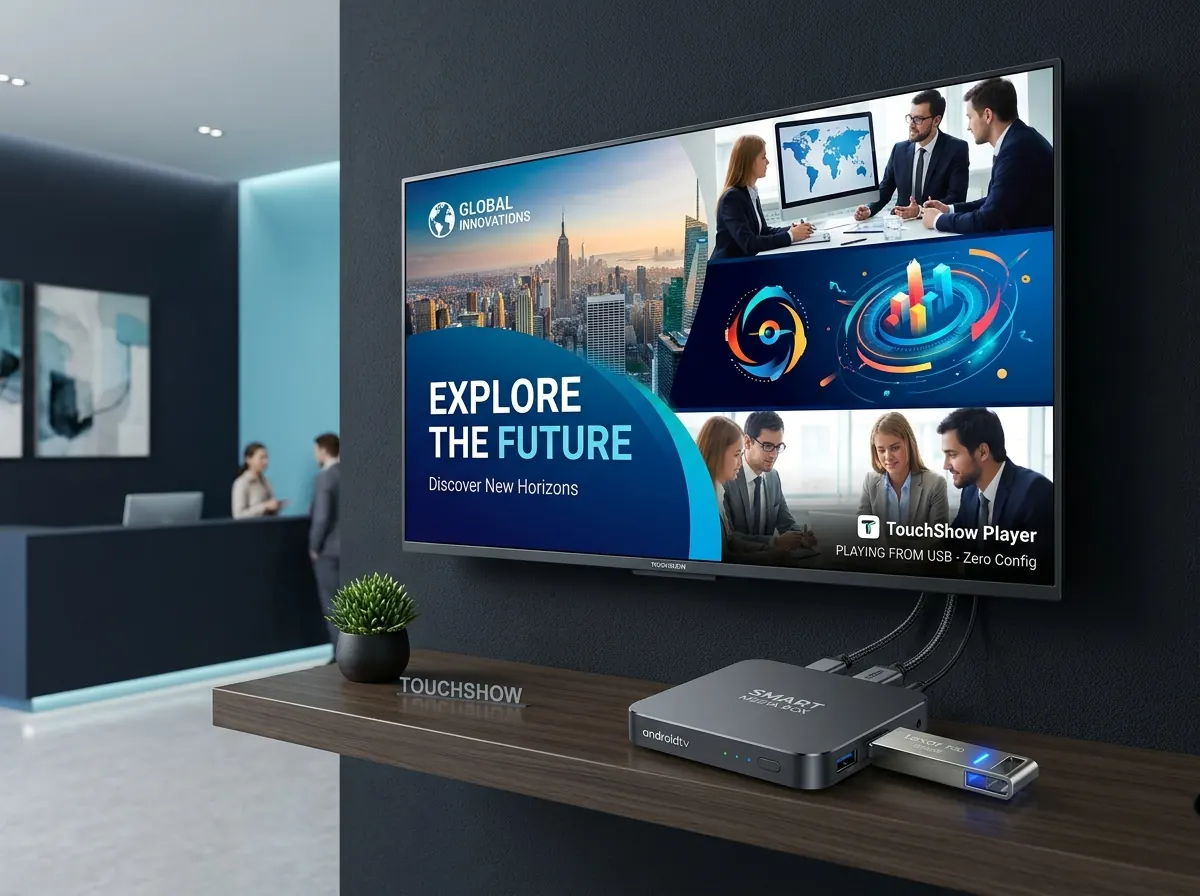
 Plug & Play USB Edition
TouchShow PenDrive Plug & Play
The ultimate zero-friction digital signage player. No cloud subscriptions, no Wi-Fi credentials to configure, and no complicated settings. Install the TouchShow APK, insert your USB pen drive, and your presentation starts playing automatically.
When you plug in the pen drive, the TouchShow software immediately searches for a folder named TouchShow. It extracts all contained videos and images and streams them into a crystal-clear, uninterrupted slideshow loop with zero user interaction.
How the PenDrive Version Works
Designed specifically so any employee or store staff can update the screen by simply plugging in a pen drive.
Download & Install APK
Download the lightweight TouchShow Android APK and install it on your Smart TV, Android TV box, or commercial display in under 60 seconds.
Create "TouchShow" Folder on USB
Plug any USB pen drive into your computer, create a simple folder named "TouchShow", and drag & drop your videos, images, or slide posters inside.
Plug In & Automatic Playback
Insert the pen drive into the TV USB port. TouchShow automatically senses the TouchShow folder and instantly launches a high-definition loop. Zero adjustments needed!
Why Businesses Choose PenDrive Plug & Play
No Network or Wi-Fi Required
Completely immune to Wi-Fi drops, corporate firewall restrictions, and internet outages. Screens run 24/7 without buffering.
Auto-Start on Device Boot
When the TV or Android box is powered on each morning, TouchShow automatically launches and resumes the presentation seamlessly.
4K Ultra-HD Hardware Decoding
Leverages hardware-accelerated video decoding on Android TV chips for buttery-smooth 60fps transitions and 4K resolution.
Multi-Format Media Support
Supports MP4, MKV, AVI video files along with JPG, PNG, WEBP images. Automatically sequences media in alphabetical or custom order.
Zero Employee Training
No login credentials or cloud dashboards for store staff to remember. Just save media in the "TouchShow" folder and plug it in.
Works on Any Smart TV or Box
Universal APK compatible with Android TV, Google TV, Fire OS, commercial kiosks, and standalone TV boxes.
Not quite the right fit? See the other TouchShow products
Get A Professional Quote
Ready to elevate your enterprise display experience? Send our sales engineers a brief message. We respond with a full architectural review and formal quote in under 4 business hours.
Contact Information
Our sales and engineering teams are available during regular business hours to assist with hardware specifications, quotes, and deployment planning.
Enterprise Communications
[email protected]
Direct Hotline & WhatsApp
+91 9211562762
Company Office
Old Rajinder Nagar, New Delhi 110060
Business Hours
Monday – Saturday, 11:00 AM – 9:00 PM IST